
Starting point
We run our own AI. Other AI services should be blocked.
Matching policy
Allow internal AI and block other detected AI connections.
Start with: Protect
Patronus Monitor & Protect
Patronus runs on the device where you use AI. Monitor discovers that activity. Protect also checks content and enforces your rules.
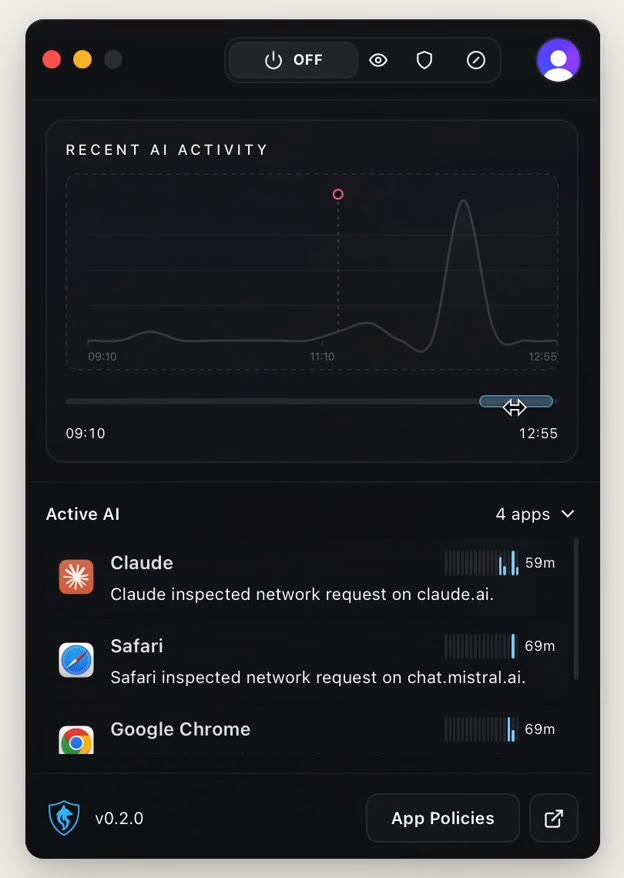
What Protect does
Real views from the product. Everything runs locally, none of it needs an additional cloud service.
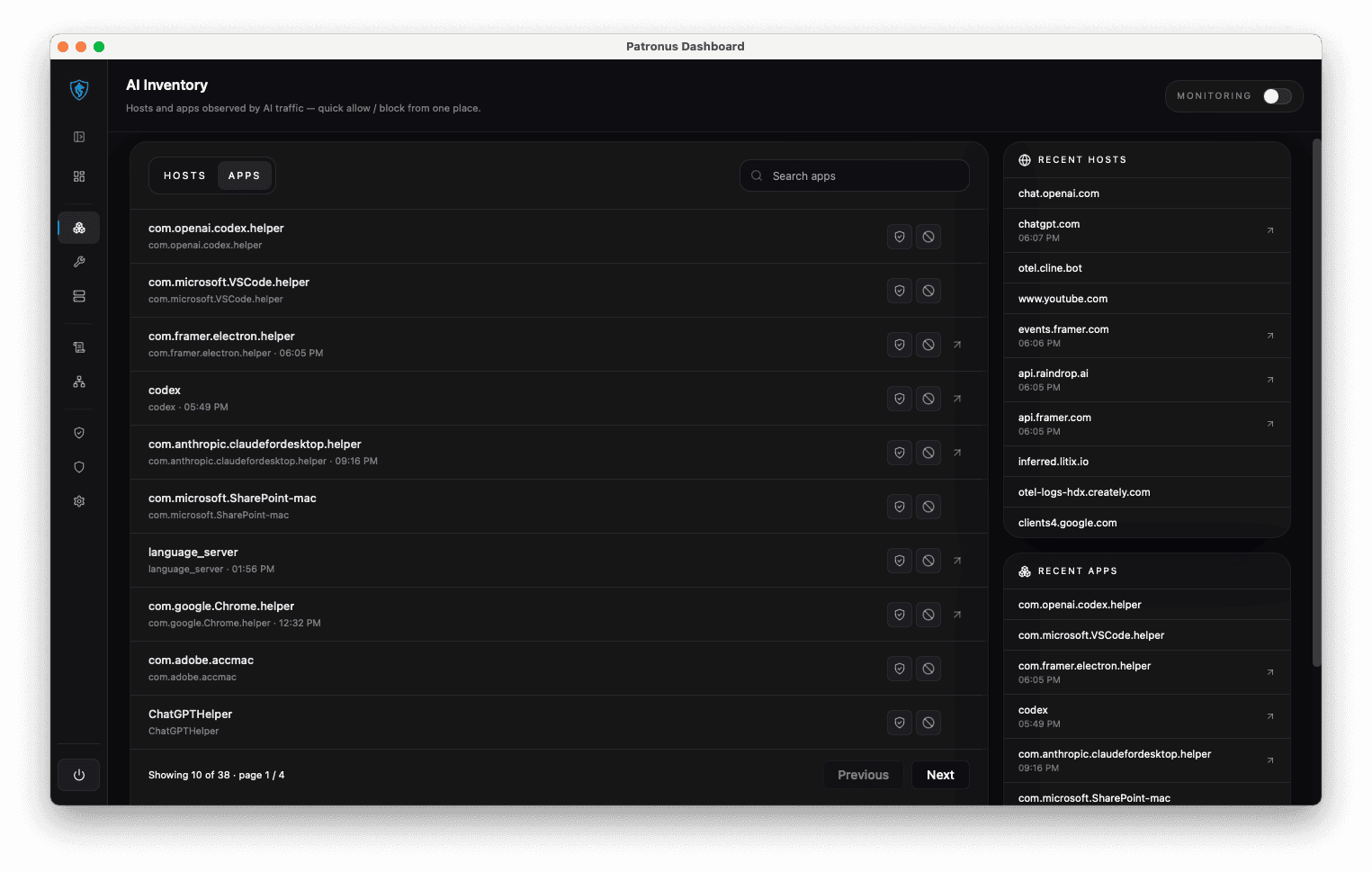
System-wide coverage
Patronus works at the application layer, not inside a browser extension or a single app. Every AI request the device makes is captured, regardless of tool, provider or application. Including AI nobody approved.
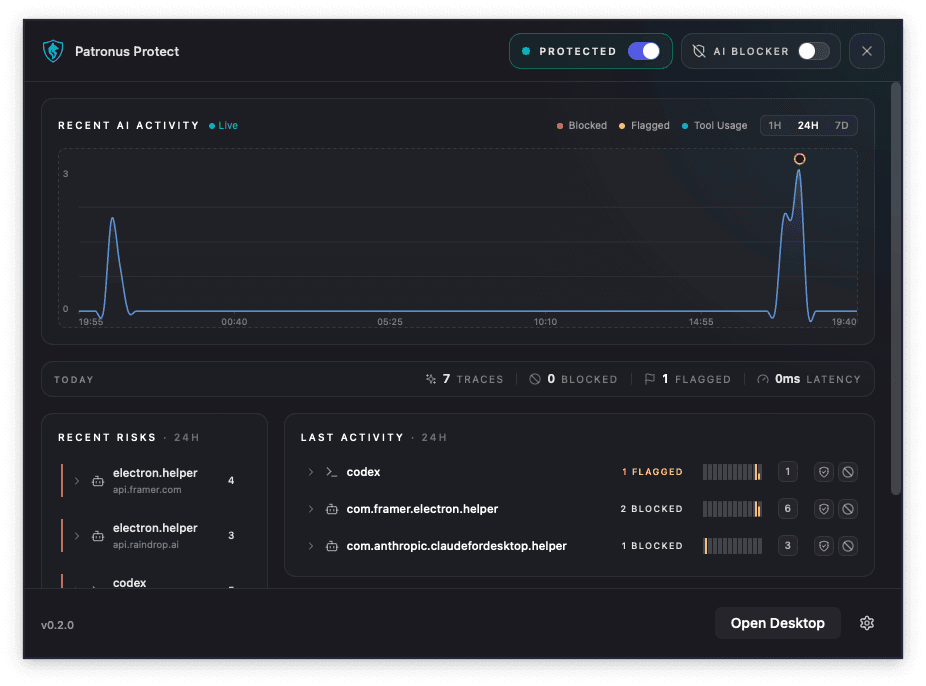
Local architecture
The whole check runs on the machine. No prompt is sent to another vendor for analysis. It works offline and in isolated networks, and GDPR is met by the architecture, not by configuration.
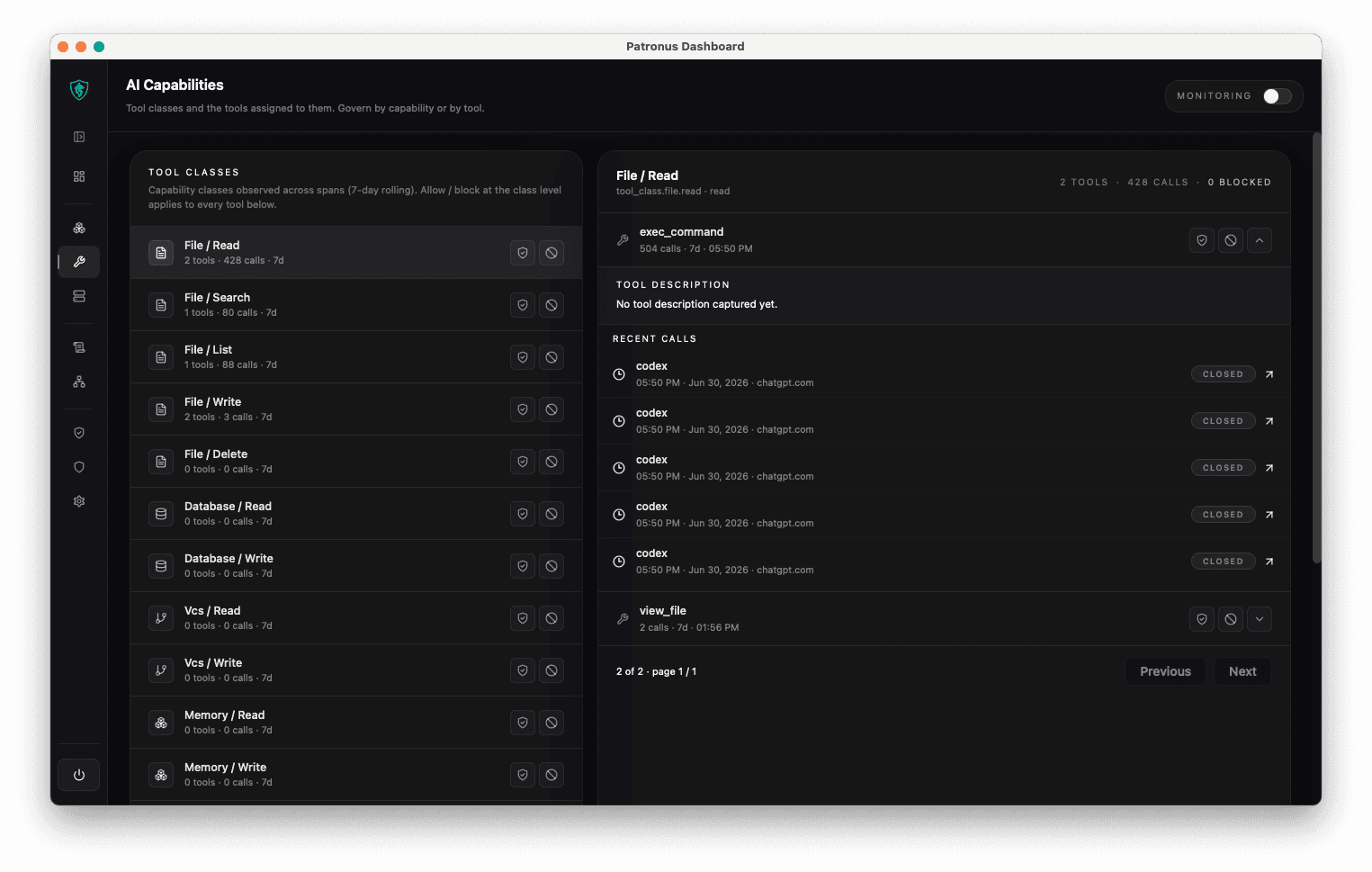
Real-time protection
Prompt injection, jailbreak attempts, personal data and policy violations are detected and stopped on the device within milliseconds. The workflow stays smooth.
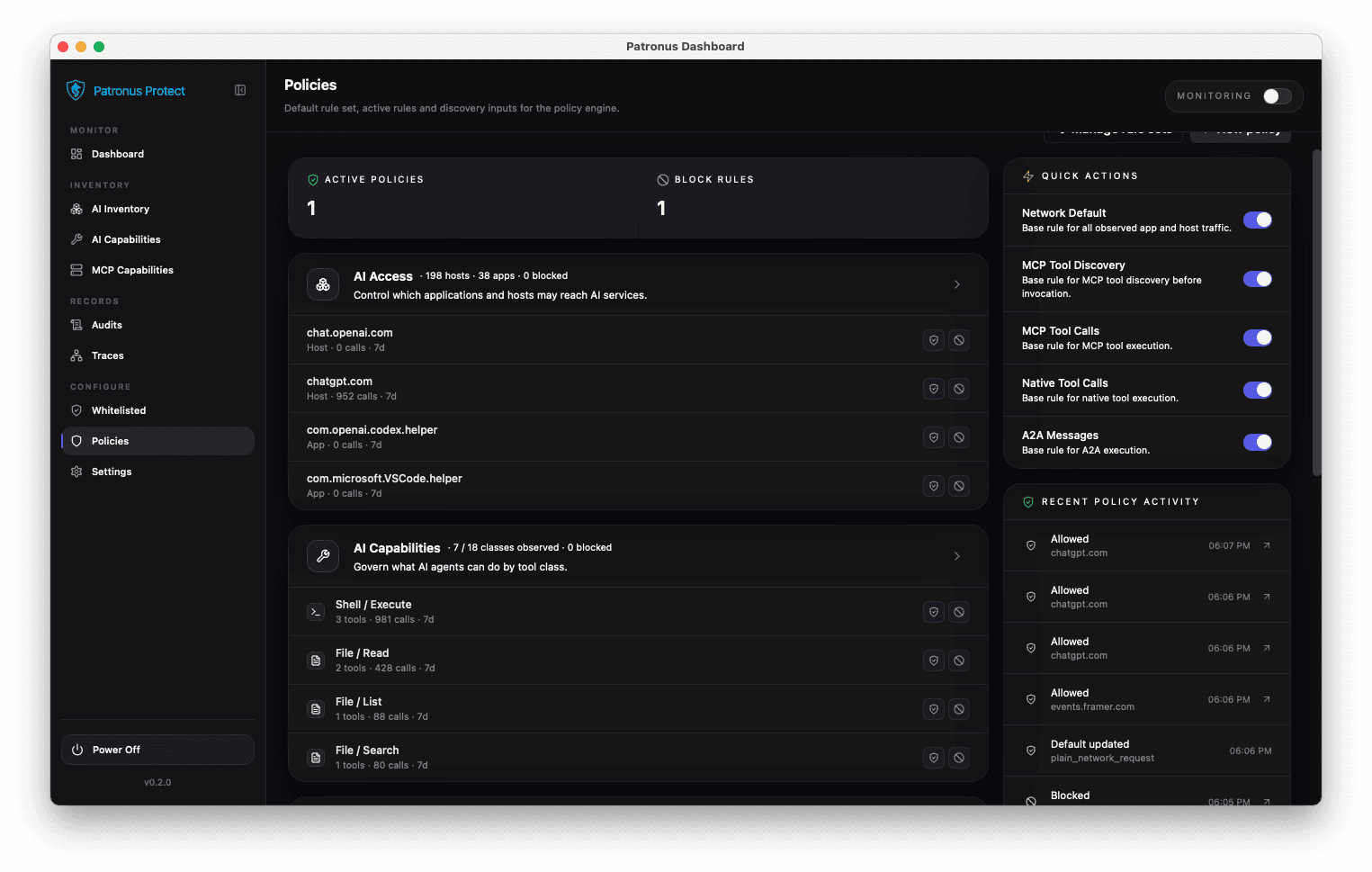
Policy enforcement
Define company-wide rules that apply to every tool: block data types, restrict behavior, limit what agents can access. Every decision is logged locally.
Example policies
Start with your goal. Each card shows a typical starting point and the policy that fits.
Starting point
Matching policy
Allow internal AI and block other detected AI connections.
Starting point
Matching policy
Allow approved destinations. Block other detected AI destinations.
Starting point
Matching policy
Allow both paths and add rules for sensitive content.
Starting point
Matching policy
Check together whether the specific AI feature can be detected and controlled separately.
An everyday example
An employee asks AI to draft a customer email. The draft includes confidential contract details.
See which AI tool is being used and which application the request comes from.
AI activity discovered
Example input (not a Monitor finding)
Draft an email about the Northlight contract. Our internal margin is 24%.
Set rules for customer data, internal information and other content that needs protection.
Protect your data →Use inventory and logs to support your documentation.
Explore records & evidence →FAQ