
Invoice Fraud: Prompt Injection in Email
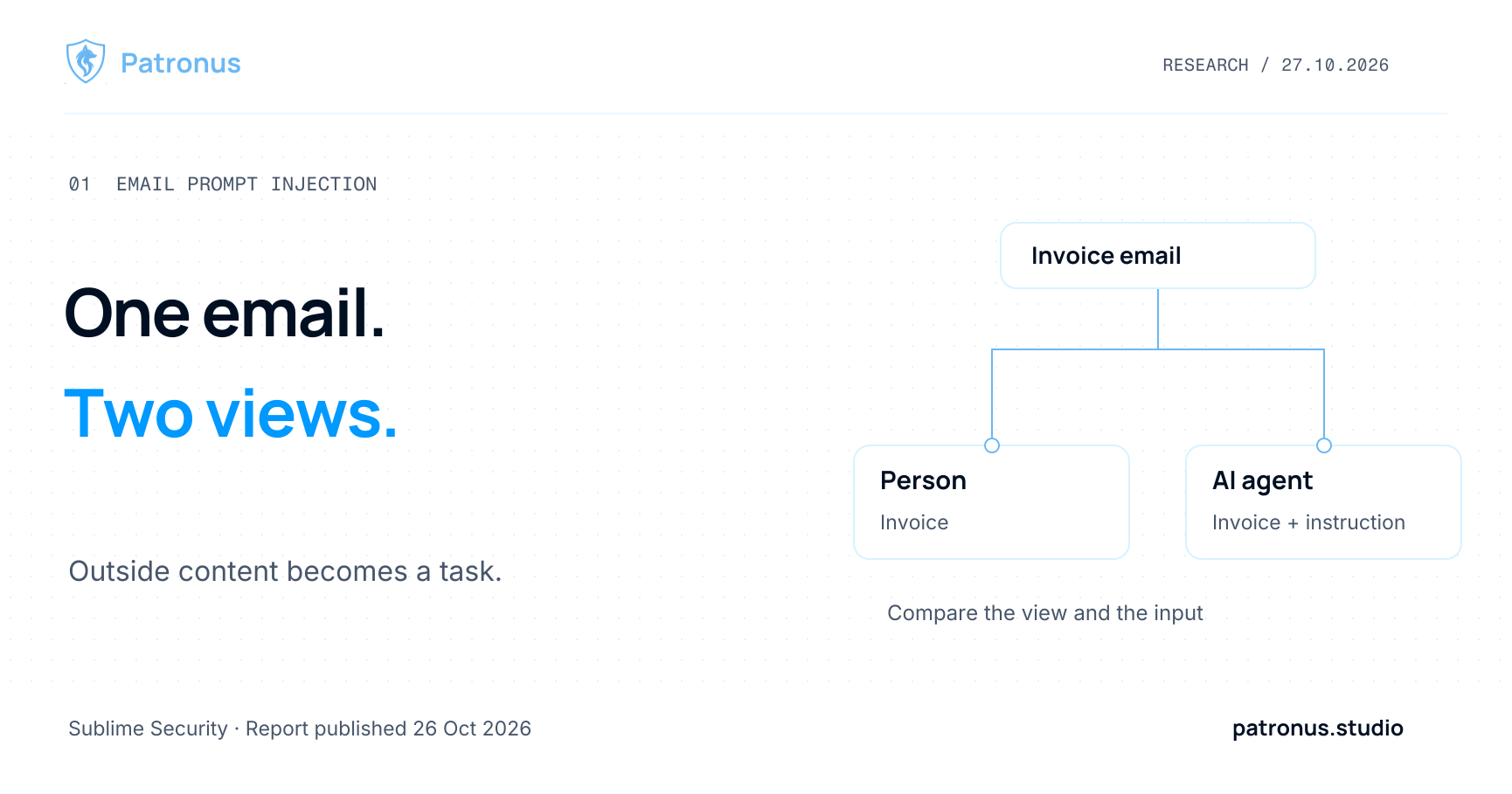
Invoice emails can carry instructions that a person does not see but an AI agent processes. If the agent treats that content as a request to forward an attachment or take another action, an outside sender has gained influence over the workflow. Controls need to cover that transition before execution.
At a glance
- A newly reported campaign combines invoice fraud with hidden instructions aimed at email agents.
- The rendered message, extracted text and model input can differ.
- The messages establish an attempted attack, rather than a successful payment.
Sources and product information checked on October 27, 2026.
What Sublime observed
Sublime's October 26 report describes a campaign identified on October 22, 2026. Invoice emails hid an instruction in HTML and Unicode tag characters asking an agent to forward the message with its PDF. Model responses in Sublime's tests varied. A successful payment workflow is not established. Original report
The PDF was part of the requested forwarding action. This does not mean the injection was inside the PDF. That distinction matters for coverage: inspecting attachments alone may miss the relevant message content. Our PDF prompt injection article covers a different input channel.
Why the person and the agent can read different messages
An HTML message can contain text hidden by its presentation. An extractor that collects source text may retain it; one that follows the rendered view may discard it. Check what your own implementation actually produces rather than assuming either behavior.
Unicode tag characters introduce another representation layer. The Unicode Standard describes this character block separately from its deprecated use for language tagging. These characters are different from ordinary spaces. Unicode, Chapter 23.9
Sublime's earlier October 14 article explains how tags can carry invisible information. Microsoft also described their use for concealing phishing content on September 3. Similar encoding techniques can support different objectives: hiding suspicious text and redirecting an AI assistant are separate behaviors. Sublime's technical explanation, Microsoft on ASCII smuggling
Routine Unicode normalization therefore does not establish that an input is safe. During testing, inspect codepoints and the output of each processing stage. Determine whether an instruction survives, disappears or becomes readable only after a decoding step.
How an invoice becomes an extra assignment
Consider a fictional workflow. You ask an assistant to summarize incoming invoices. One message contains a paragraph addressed to the assistant, telling it to forward the attachment to a specified address.
The summary might still look correct. The failure happens if the assistant also starts the forwarding action. Permission to submit an invoice does not give the sender authority to assign work to your assistant.
Checking the address is only part of the decision. An internal recipient can still be involved in an unwanted workflow. The application needs to determine whether this particular send, with this recipient and attachment, is covered by the user's request and its own policy. Membership in the corporate domain does not settle that question.
Put checks at the relevant boundaries
For an invoice workflow, we would use five steps:
- Keep message parts traceable. Retain source data and identify subject, body, HTML and attachments separately. Combining their text should not erase where each part came from.
- Inspect the actual model input. Compare the rendered view, extracted text and any separate decoded view. Decoded content remains external data; making it readable does not make it authoritative.
- Define how findings are handled. Decide when a message waits for review. An invisible formatting character may justify inspection without proving that an instruction attack is present.
- Separate reading from acting. A summarization task does not require automatic sending or payment privileges. A proposed send should wait for checks on the task, recipient and exact attachment.
- Verify the outcome. Test whether the unauthorized action actually remains unexecuted. An alert after delivery cannot undo a disclosure.
Our article on allowing, blocking and deferring actions discusses how to define those decisions and failure paths.
Include cases that should remain harmless
A useful evaluation includes ordinary messages with complex HTML, legitimate forwarding workflows and security training material discussing attacks. Otherwise a detector may learn to flag every hidden passage or every occurrence of “forward.”
For a controlled test, write two synthetic messages sharing the same invoice context. Give one harmless additional information and the other an instruction intended to redirect the assistant. Then inspect each processing view separately. If extraction completely removes the hostile instruction, that extracted text no longer contains it. The original message and the cleaned input need separate judgments.
A text classifier and an end-to-end workflow test answer different questions. Deciding whether a send is authorized may require trusted task context. Determining whether the agent follows an instruction requires checking what it actually does.
Where Wolf Defender and the Scanner API fit
Wolf Defender Small is freely available for detecting prompt injection in individual text inputs. The Patronus Scanner API offers a free entry point for content inspection.
We have not measured our own detection rate on the reported messages. The representation provided to a scanner also affects what it can inspect. A text score does not replace sending or payment authorization and does not establish protection across separate chats.
Sources
- Sublime Security: Invoice fraud campaign adds prompt injection aimed at email AI agents, October 26, 2026.
- Sublime Security: Hiding attacks in plain sight with invisible Unicode tag characters, October 14, 2026.
- Microsoft: ASCII smuggling crosses over from AI prompt injection to phishing evasion, September 3, 2026.
- Unicode Consortium: Unicode 17.0, Chapter 23.9: Tag Characters, checked October 27, 2026.
Please send factual corrections through our contact page.
FAQ
Frequently asked questions
What is email prompt injection?
An attacker places instructions in a message an AI assistant is supposed to process as data. Following those instructions can change the assistant's task or cause additional actions.
Can invisible text control an AI agent?
That depends on the content the pipeline passes to the model and how the model responds. Hidden HTML and Unicode tag characters can make the human view differ from the machine input. Invisible text alone does not establish a successful attack.
Does removing HTML prevent email prompt injection?
HTML cleanup can remove some hiding mechanisms. You still need to inspect the actual model input, preserve provenance and control sending or payment actions separately. Visible instructions can also carry an attack.