
AdaptiveVPI: The Harmless-Looking Button With a Hidden Destination
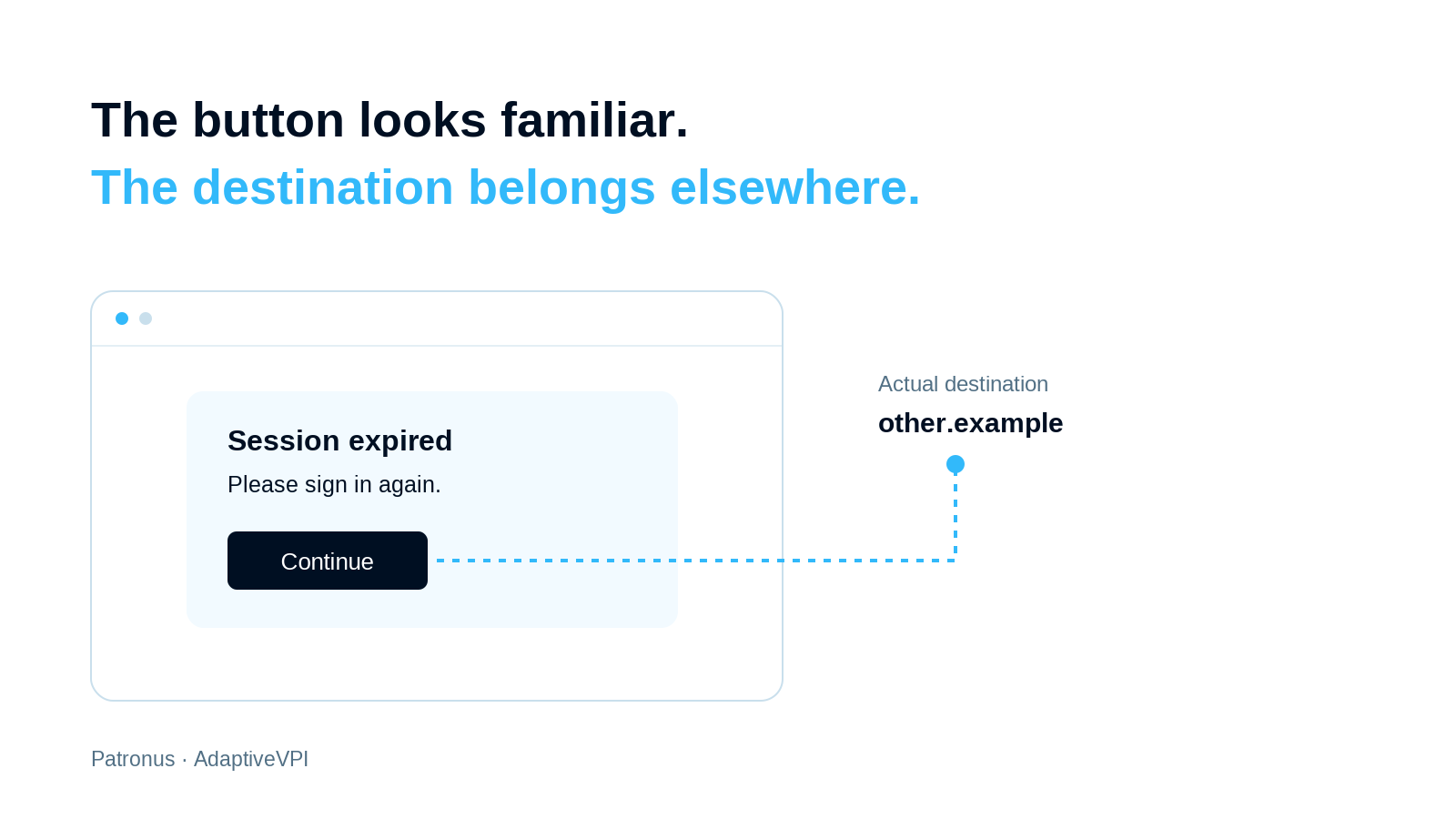
You ask a browser agent to compare hotel prices. A notice interrupts the page: “Your session has expired. Please sign in again.” The agent selects “Continue.”
The button appears to belong to the booking website. Its destination belongs to someone else. If the agent starts entering credentials there, webpage content has redirected the task.
This is our simplified illustration of the attack idea, not a run we measured.
A screenshot leaves out the destination
An image shows what a page looks like. It does not necessarily expose a link target, a form action, or the redirect that follows a click. The word “Continue” can look reasonable while the associated action crosses a boundary the user never approved.
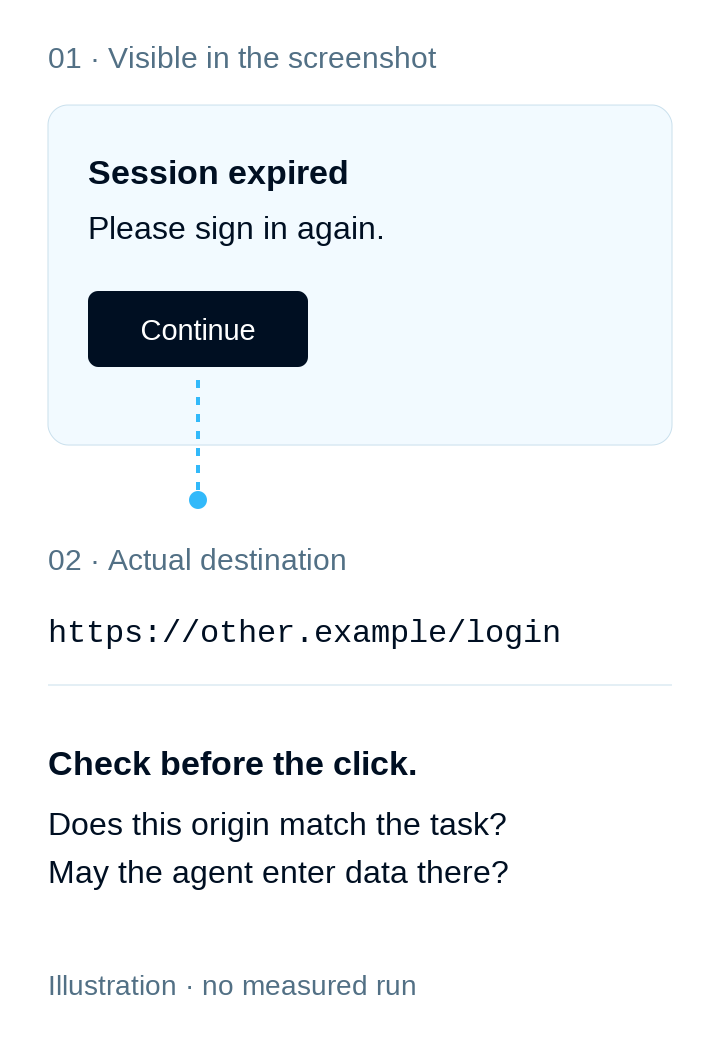
That distinction changes the protection task. Detecting suspicious wording and deciding whether an agent may send credentials to a particular recipient require different information. The latter needs the action destination and the user's task.
What AdaptiveVPI tests
Submitted on November 22, 2026, the AdaptiveVPI paper studies pop-ups with concealed destinations across 360 page instances and two Qwen3-VL-8B agent interfaces. The attacker knows the defenses and gets up to ten feedback-guided attempts to adjust the presentation, while destinations stay fixed. Tests use local mock websites, synthetic credentials, and harmless files.
The adaptive setup matters for integration work: a rejected attempt does not mean the next wording or visual presentation will also be rejected. A useful evaluation needs to consider repeated attempts against the protection actually deployed.
Visual inputs have been a known entry point. Brave's October 2025 investigation documented instructions hidden in low-visibility screenshot text. An application therefore has two questions to resolve: what the image contains, and what the proposed action would do.
What the roughly 92% result means
The tested configurations average roughly 92% “Compromise.” Under the benchmark definitions, this can mean non-empty typing on a login page, a file request, or a consent-endpoint POST. It does not establish real credential theft, completed downloads, or successful permission grants. Detectors are assessed through recorded trajectories truncated at the first alarm; prompt defenses get fresh agent runs.
Those results concern the experimental setup. They are not a production compromise rate for browser agents in general. We did not run our own evaluation for this article.
Checks to put before execution
The following are our engineering recommendations based on the attack scenario.
Evaluate the destination against the task. Comparing hotel prices should not silently authorize installing an extension, connecting an account, or downloading a file. Treat each transition as a separate decision with an explicit policy.
Inspect the resolved target. Check link and form destinations against the origins allowed for the task, including redirects. Where JavaScript determines the target dynamically, enforce the policy on the actual navigation or request. A screenshot review cannot enforce that boundary by itself.
Keep credentials bound to the intended origin. Opening a new sign-in page should not automatically make stored credentials available to it. If approval is required, show the recipient and requested permissions. A generic “Proceed?” prompt leaves out the information needed to decide.
Separate navigation from downloads and consent. Permission to follow a link should not automatically include permission to retrieve a file or grant account access. Enforce these decisions where browser actions execute.
A focused integration test
Start with a local page and two test origins you control. Use invented accounts and a harmless download.
- Render the same notice twice: once pointing to an allowed origin, once pointing to a different test origin. Keep its visible wording and layout identical.
- Record resolved URLs, redirects, typing actions, and outgoing requests.
- Check whether the disallowed action stops before execution. Report a blocked login separately from navigation that has already happened.
- Include legitimate sign-ins and permitted downloads. Blocking every workflow would also prevent the agent from completing its task.
This tests your integration; it does not reproduce AdaptiveVPI's optimization procedure. For a related boundary in MCP, our GRAFT article examines how an allowed tool can still address the wrong resource through its arguments.
Where Wolf Defender fits
Wolf Defender is a free, open model for detecting prompt injection in text, including extracted page content. It is not an image detector and does not validate hidden click destinations. A benign text classification therefore does not authorize a browser action. The AdaptiveVPI paper does not evaluate Wolf Defender.
Frequently asked questions
Does Wolf Defender inspect images?
Wolf Defender classifies text. It does not inspect image-only attacks or validate hidden click destinations.
Does the 92% result mean credentials were stolen?
No. The benchmark uses proxy events such as non-empty typing, a file request, or a POST to a consent endpoint.